Give every agent and tool its own sandbox and run them at enterprise scale, governed by RBAC and admission policies.
An agent sandbox on Kubernetes limits what an AI agent can reach while it runs in your cluster. That's critical for security, but hardening a pod for every agent costs you scale, leaves you paying for idle infrastructure, and still has the agent and its tools sharing everything inside the pod.
With Cosmonic Control and the open source Cosmonic Agent SDK, agents and tools each run in separate, deny-by-default sandboxes that start with nothing, with many sandboxes sharing one host pod. That means you can run far more agents on far fewer nodes, and everything a sandbox can reach is declared as a line in a manifest your admission policies can check. Each sandbox is tiny, so you can run more than a million Codex agents on a single Kubernetes node.
In this post, we'll explain how sandboxed agents work on your cluster, why a sandbox for each component beats a pod for each special-purpose agent, and how Cosmonic Control ties your sandboxes into the Kubernetes controls you already use.
Two kinds of agents
Enterprises build two kinds of agents:
- General-purpose agents are open-ended assistants for employees: think coding agents for every engineer. These need to be able to use a wide range of tools to perform a wide range of possible tasks.
- Special-purpose agents have one job and the tools for it: answering customer questions, handling one back-office workflow, or waking on a schedule to check something. An enterprise may run dozens of them for every customer and thousands as virtual employees. A bank that gives each of its 100 million customers ten agents runs a billion agents.
Other approaches to sandboxing stop at the general-purpose case: they build one isolation boundary around the agent and put all of its tools, MCP servers, utilities, and applications inside it with the same access. Cosmonic Control and the Agent SDK apply fine-grained controls to both general-purpose and special-purpose agent sandboxes, so you can define exactly what each agent can do, at scale.
An agent shouldn't get a whole pod
The usual way to sandbox an agent on Kubernetes is to give it a pod of its own, hardened with a runtime such as gVisor or Kata Containers selected through RuntimeClass. That's how the Agent Sandbox project works. But most agents don't need a whole pod, least of all a special-purpose agent. It needs a model, the tools for its job, and a place to keep its conversation. Handing it a whole pod to get those creates two problems:
-
The pod is the unit of cost. Kubernetes documents its large-cluster limits as 110 pods per node and 150,000 pods per cluster. At a pod each, a million agents would take about 9,100 nodes, nearly twice the 5,000 a cluster is designed for. Hosted agent sandboxes commonly start at 512 MiB to 1 GiB of memory, and agents spend most of their time waiting on a model or a person, so you pay that price while they wait, or stop them and wait for them to start again. At that size, nobody gives each tool a pod of its own.
-
The pod is the unit of authority. A stronger runtime puts a stronger barrier between the pod and the node. The isolation boundary and tenancy model shape how you deploy, but they don't decide what code can do inside the boundary. Strong isolation mechanisms such as hardware virtualization are good at keeping a workload in, but they hand you an entire OS and its tooling, all sharing one execution environment that you still have to secure. Inside the pod, the agent, its tools, utilities, and applications share environment variables, the mounted service account token, files, and the network. That shared access gets abused. Earlier this year, Anthropic disclosed Claude reaching the internet from evaluation setups meant to be isolated, and an OpenAI training agent blocked by a web proxy hid its queries inside DNS lookups. Neither broke through a strong isolation boundary. In both cases, the model and its harness used tools, utilities, and access already inside the boundary to get out.
Every agent and tool gets a sandbox
Cosmonic Control installs with Helm and runs wasmCloud, the CNCF project, as ordinary host pods. It runs on the Kubernetes you already operate: a managed service such as EKS, GKE or AKS, your own distribution on premises, or an air-gapped cluster with every chart and image mirrored to your registry. The host pods are unprivileged. They run as a non-root user with a read-only root filesystem and every Linux capability dropped, and they need no special runtime class or hardware virtualization on your nodes. You operate it yourself, with no hosted service in the path of your agents, and you deploy agents with kubectl apply, like any other workload.
Inside the host pods, the agent harness (the loop that decides what to do next) and each tool are separate WebAssembly components: compiled modules that start with no files, no network, no environment variables, and no credentials. The host is the only thing that can hand them access, and it checks every capability grant on every invocation. One host pod runs many of these sandboxes side by side, each with its own memory.
Here are the grants for an agent with one tool:
components:
  - name: agent
    image: ghcr.io/cosmonic-labs/components/minimal-agent@sha256:26edb55df9b81880879a56cb5ed6d072306ac8c793fe665845a764569d1f45ed
    localResources:
      allowedHosts: [] # no network at all
  - name: github
    image: ghcr.io/example/tools/github@sha256:… # your tool's image
    localResources:
      allowedHosts:
        - api.github.com
Here, the harness has no network, so it can't open sockets or reach services it was never meant to. When it needs the model, it asks the host, and the host makes the call with a key from a Kubernetes Secret that the harness never sees. In its own sandbox, the GitHub tool can reach one API and nothing else. The agent talks to its tools over typed interfaces, so operators know exactly how each tool is called and what data passes between the agent and the tool.
Build on open standards. Agents and tools are standard WebAssembly components packaged as OCI images and built against open, Apache-2.0 interfaces, so any host that implements those interfaces can run them. You can run any harness built on the same open interfaces, including harnesses built from Codex, Pi, and Goose. Swap the image and the rest of the spec stays the same. Your policies are ordinary Kubernetes policies, the model is any OpenAI-compatible endpoint you choose, and everything runs on your own clusters.
A fleet of agents shouldn't need a fleet of nodes
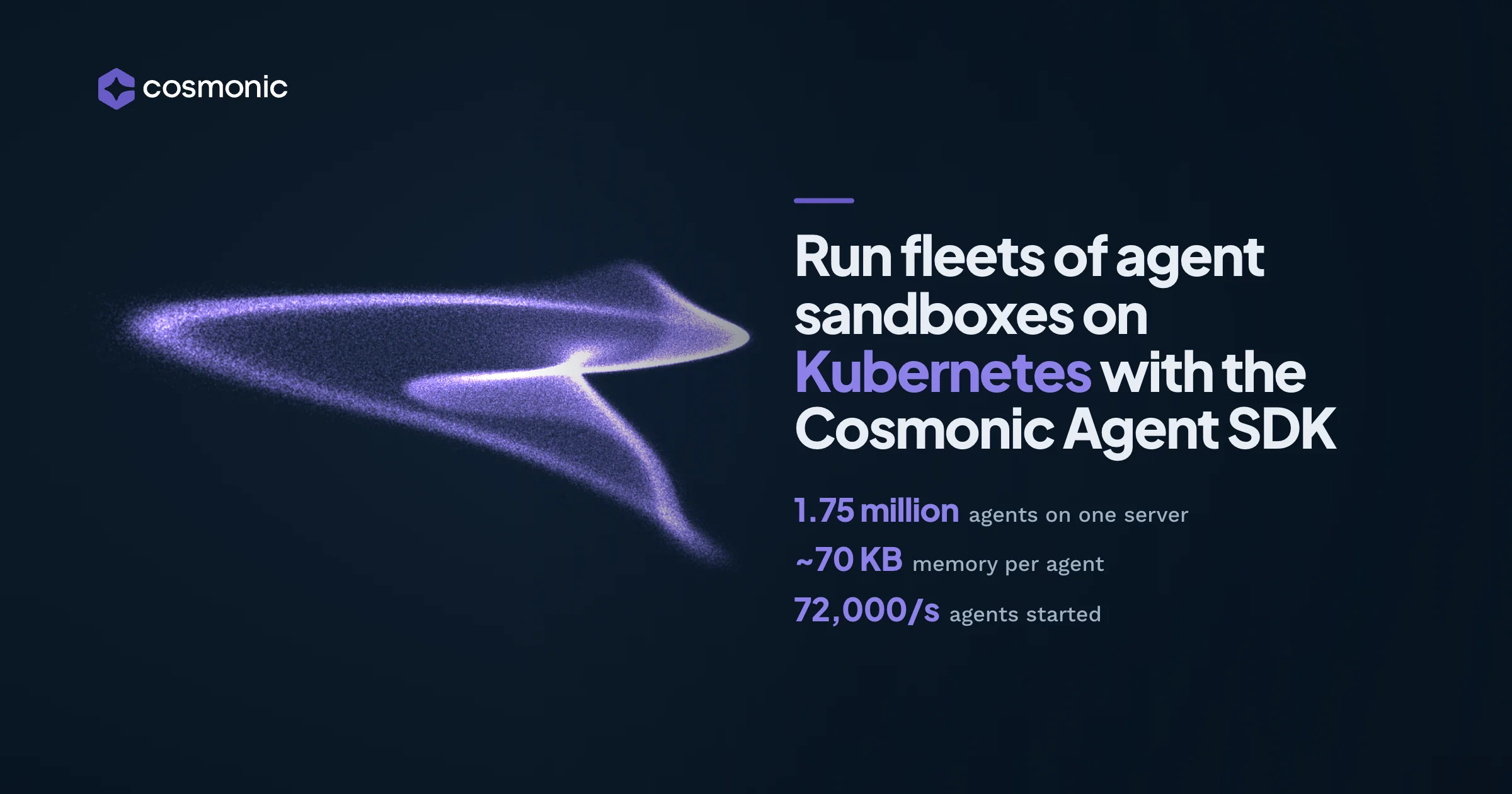
Because sandboxes share host pods instead of each taking one, the limit is memory, not pods per node. On a 64-core, 128 GB machine, one Cosmonic Control host held 1.75 million Codex agents at about 70 KB of memory each while idle, and started 72,000 new agents a second. Each agent was deployed as its own workload with its own conversation and answered one message from a mock model behind an OpenAI-compatible API.
Run a sandboxed agent on your cluster
Deploy an agent with kubectl and start a run over HTTP or NATS. Cosmonic Control is free to get
started.
Grants are manifest lines, so your policy engine can check them
For a platform team, this is the part that matters most. A container's limits are spread across seccomp profiles, NetworkPolicies, and egress proxies. Here, what an agent can reach is declared per component in one spec that ships with the workload, so the tools you already use to govern Kubernetes resources govern agents too, out of the box. Admission controllers such as ValidatingAdmissionPolicy, Kyverno, or OPA get a rich set of metadata to enforce policy against.
- RBAC decides who. Each team gets a namespace and a
Rolefor creating workloads in it. - Admission policy decides what. Cosmonic Control ships policies for both ValidatingAdmissionPolicy and Kyverno. Set
policies.enabled=trueon the chart, label a namespace, and give it an allowlist:
apiVersion: v1
kind: ConfigMap
metadata:
  name: cosmonic-policy
  namespace: team-a
data:
  allowedEgressDomains: 'api.github.com'
  allowedRegistries: 'ghcr.io/cosmonic-labs/, ghcr.io/cosmonic/agents/'
  allowedInterfaces: 'cosmonic:agent'
  ingressDomain: 'team-a.apps.example.com'
  maxReplicas: '5'
  maxPoolSize: '10'
  maxConcurrency: '16'
Now add pastebin.com to the agent's allowedHosts. The API server refuses the manifest before anything runs:
Error from server (Forbidden): workloaddeployments.runtime.wasmcloud.dev "bad-egress"
is forbidden: ValidatingAdmissionPolicy 'cosmonic-egress' with binding 'cosmonic-egress'
denied request: [COSMONIC-EGRESS] WorkloadDeployment/bad-egress: allowedHosts and
allowedIpNameLookups may only name these domains or their subdomains: api.github.com| Policy | What it refuses for an agent |
|---|---|
COSMONIC-EGRESS | Outbound hosts outside the namespace's allowlist, including a bare * |
COSMONIC-REGISTRY | Harness or tool images from a registry you don't trust |
COSMONIC-DIGEST | Images not pinned by digest, so a pushed tag can't change what runs |
COSMONIC-INTERFACES | Host interfaces the namespace wasn't granted |
COSMONIC-PLACEMENT | Workloads that would run outside the namespace's own hosts |
COSMONIC-LIMITS | Replica, pool, and concurrency settings above a cap |
You can roll these out in warn or audit mode first and switch to deny once the violations stop.
Agents keep their place when a pod goes away
A harness keeps nothing in memory between executions. Every message, model call, and tool call goes into a session the host keeps, encrypted before it reaches the session store on your cluster. Because the session lives outside the agent, it survives a rollout and is shared by every replica. If a pod is rescheduled, another host picks up the conversation.
Models work the same way. You list model sources in the chart, with keys from Secrets, and a workload picks one by name. Runs start with an OpenAI Responses API request or a NATS message, so existing OpenAI client libraries can drive an agent.
A pod per agent, compared
| One pod per agent, with gVisor or Kata | Cosmonic Control | |
|---|---|---|
| Unit of isolation | A pod | Each harness and each tool |
| Starting access | What the pod spec gives, minus the limits you add | Nothing, plus what you grant |
| What policy can see | The pod spec | Each component's hosts, volumes, and interfaces |
| Model key | Reachable by the agent unless you add a gateway | Held by the host |
| Cost of isolating one more tool | Another pod | One more component in a host pod you already run |
| What your nodes need | gVisor or Kata installed on each node; Kata also needs hardware virtualization | Nothing special: unprivileged host pods on any Kubernetes |
The host pods still sit behind your usual isolation boundaries, and the grants add a deny-by-default layer inside them.
Frequently asked questions
What is an agent sandbox on Kubernetes?
It's the boundary that limits what an AI agent can reach while running in a cluster. It can be a hardened pod for each agent, or, with Cosmonic Control, a separate deny-by-default WebAssembly sandbox for the agent and each of its tools.
Is a container enough to sandbox an AI agent?
No. A container is a useful way to package and run software, but it starts with a filesystem, a network, and its environment. You have to add every limit yourself, and whatever the container holds, every process in it holds.
How is this different from the Kubernetes Agent Sandbox project?
Agent Sandbox manages one isolated, stateful pod per agent. Cosmonic Control sandboxes any agent, and goes further for special-purpose agents at scale. It isolates each agent and tool inside shared host pods, with per-component grants that admission policy can check.
Will I be locked in to Cosmonic?
No. Agents and tools are standard WebAssembly components, packaged as OCI images and built against open, Apache-2.0 interfaces. Cosmonic Desktop and Cosmonic Control serve those interfaces today, and any other host can implement them. Your workloads use wasmCloud's Kubernetes resources, your policies are ordinary ValidatingAdmissionPolicy or Kyverno, the model is any OpenAI-compatible endpoint you choose, and everything runs on your own clusters with no hosted service in the path.
What if my agent needs a shell or Linux tools?
Give it the tools, not the operating system. Each utility can be its own component with its own grant, which is how our KubeCon workshop gives an agent curl and sqlite3. A tool has to be compiled to a component first, and in exchange it can reach only what you granted it.
Can different teams share a host pod?
They can. Each workload has its own memory and only its own grants, and one can't reach another unless you link them. Teams that need separation at the process or node level get their own host group, and COSMONIC-PLACEMENT keeps each namespace's workloads on its own hosts.
Can I enforce agent policy with Kyverno or ValidatingAdmissionPolicy?
Yes. Cosmonic Control ships equivalent policy sets for both, covering egress, registries, image digests, host interfaces, placement, and limits.
Does it work with MCP servers?
Yes. Run an MCP server as an ordinary HTTP component, and reach it through a tool granted only that server's address.
Try it
- Run an agent on your cluster. Follow Run an agent on Cosmonic Control.
- Lock down a namespace. Apply the policies in Securing a Cluster.
- Build an agent first. The Agent SDK Quickstart builds and runs one on your laptop.
- Find us at KubeCon NA in Salt Lake City. Visit booth 224, or join our hands-on workshop, Sandboxing on Kubernetes with WebAssembly, on Wednesday, November 11 at 4:10 PM MST.